The AI notebook that learns with you. A canvas, a text-editor, and an assistant.
- Role
- Product Design
- Year
- 2025
One place to think, sketch, and ask.
Canvas
An infinite space for visual thinking.
An infinite canvas
Draw notes, sketches, and diagrams anywhere, then let Pi learn with you.
Notebook
A structured, block-based notebook.
A block-based editor
Headings, lists, to-dos, code, equations, and more. A notion-style editor to hold all your notes
Pi
An assistant that ties it all together.
Your study assistant
A per-page AI that summarizes, restructures, and builds study guides from what's in front of you.
What was my role in Papyrus?
I was responsible for detailing and refining the experience users had when navigating three separate surfaces. I led interface design, graphic design, user research, and design execution. I arranged interviews with 15-20 beta testers to get a better understanding of challenges in the user flow and where revisions were necessary.
My biggest challenge was to make Papyrus feel intuitive.
User interface
Canvas had to carry notes, drawings, connectors, history, and an always-present AI panel without reading as five separate tools. I mapped the whole desktop model in a mid-fidelity wireframe first, annotating every region so each control had a predictable home before any pixels were styled.
Accessibility
A quiet paper palette and compact productivity controls could easily produce weak contrast, invisible keyboard states, and targets that are difficult to hit accurately. So contrast, focus, and target size became foundation rules measured into the system rather than final checks.
Contrast
12.4:1
Focus
2px ring
Target
44 x 44
- ContrastInk on paper, well past the 4.5:1 minimum.
- FocusEvery interactive element shows where the keyboard is.
- TargetMinimum hit area, even for compact controls.
Competitive Analysis
GoodNotes
The most natural, pen mechanics, and excellent for PDF markup for reading and annotating documents.
Everything lives on a singular page. There is no AI layer into the notes themselves.
Notability
Syncing audio recordings to handwritten notes in real time is the strongest feature.
There is no infinite canvas for connecting ideas visually, only in a structured organized form.
Obsidian
A large graph of linked, block-based notes, backed by a plugin ecosystem for people who wish to configure it.
No freeform drawing surface, and the learning curve prevents casual note-takers from ever getting there.
Notion
The block editor is the staple for structured writing, and collaboration across a team is effortless.
AI is integrated onto documents as a separate command, but never present alongside the users' thinking.
User Research
I ran testing sessions across to see where the product failed to meet the needs of users, then optimized as necessary.
Design Implications
Here are some changes that got shipped into the final product.
- 01
Users struggled with wayfinding and determining which notebook/whiteboard they are working on.
To solve this, I created a breadcrumb navigation system that lives at the top of notebooks & whiteboards that shows the user their entire path from the root notebook to their current page.
- 02
Complaints regarding the flow of how Pi AI gets buried in a long list of messages and no "collaborative feel".
To solve this, Pi AI assistant used to be a regular chat panel off to the side. Now it lives directly on the canvas where the user works and thinks, ensuring the smoothest flow.
Wireframes
Low fidelity
Mapping
I started with a grayscale mockup for every surface, nav, and toolbar states, and mapped out the general layout.
High fidelity
Final Polish
The final stage involved me refining the color palette, typography, and iconography, and turning the mockup into a prod-ready component library including hover and active states, connector variations, and a fully prototyped whiteboard screen UI with Pi context panel.
Design System
Here, I documented my brand identity including color palette, typography, and iconography.
Primary#EA580C
Primary color for buttons and active states
Secondary#F97316
Gradient secondary for CTAs and the app icon.
Background#FAF7F2
App background: warm off-white
Text-primary#2A2A2A
Primary text
Text-secondary#6B6B6B
Secondary text + captions
Dividers#EEE7DC
Hairlines and dividers
Display
Noto Serif
Headlines, the landing page, and secondary headings.
UI & body
Plus Jakarta Sans
Buttons, labels, and body content.
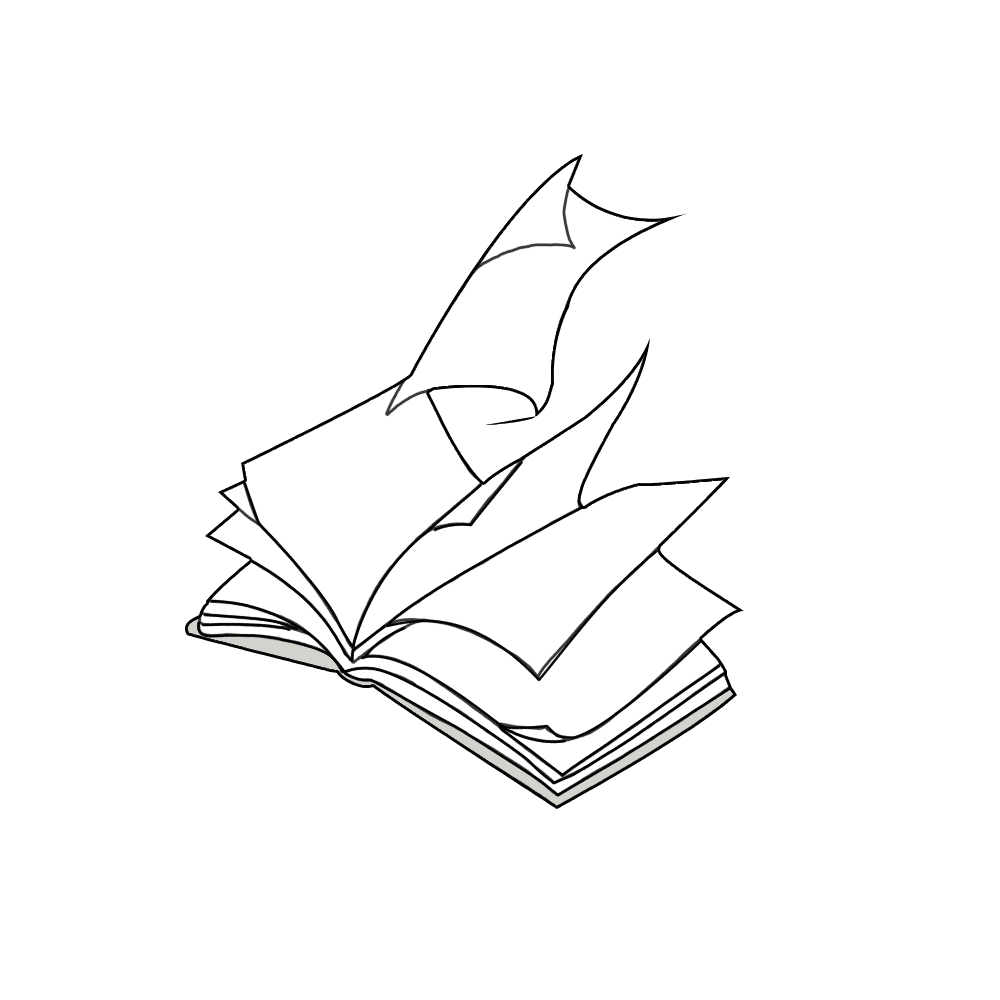
Looseleaf
The original name and mark: A page curcling open. Each leaf of paper resembles an idea.
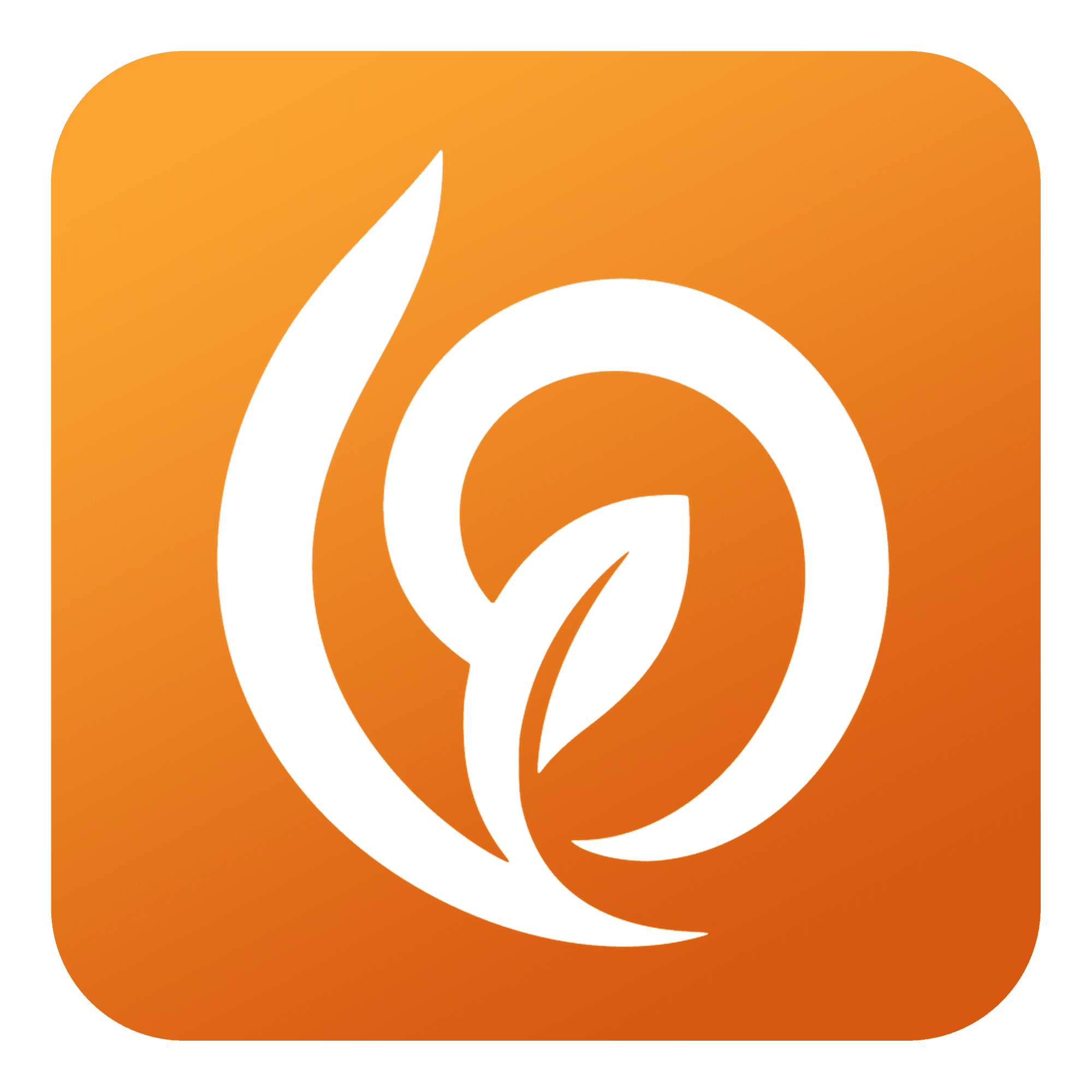
Papyrus
A cleaner, more modern aesthetic for a productivity tool where the P embeds a leaf vector to fit the brand scheme.
Iconography
Each glyph was drawn in Illustrator and exported as SVG's.